

Make sure the information on your dog’s tag and in the microchip registry can actually reach you.
Short answer
Check the tag, confirm the chip number, then verify the registry record
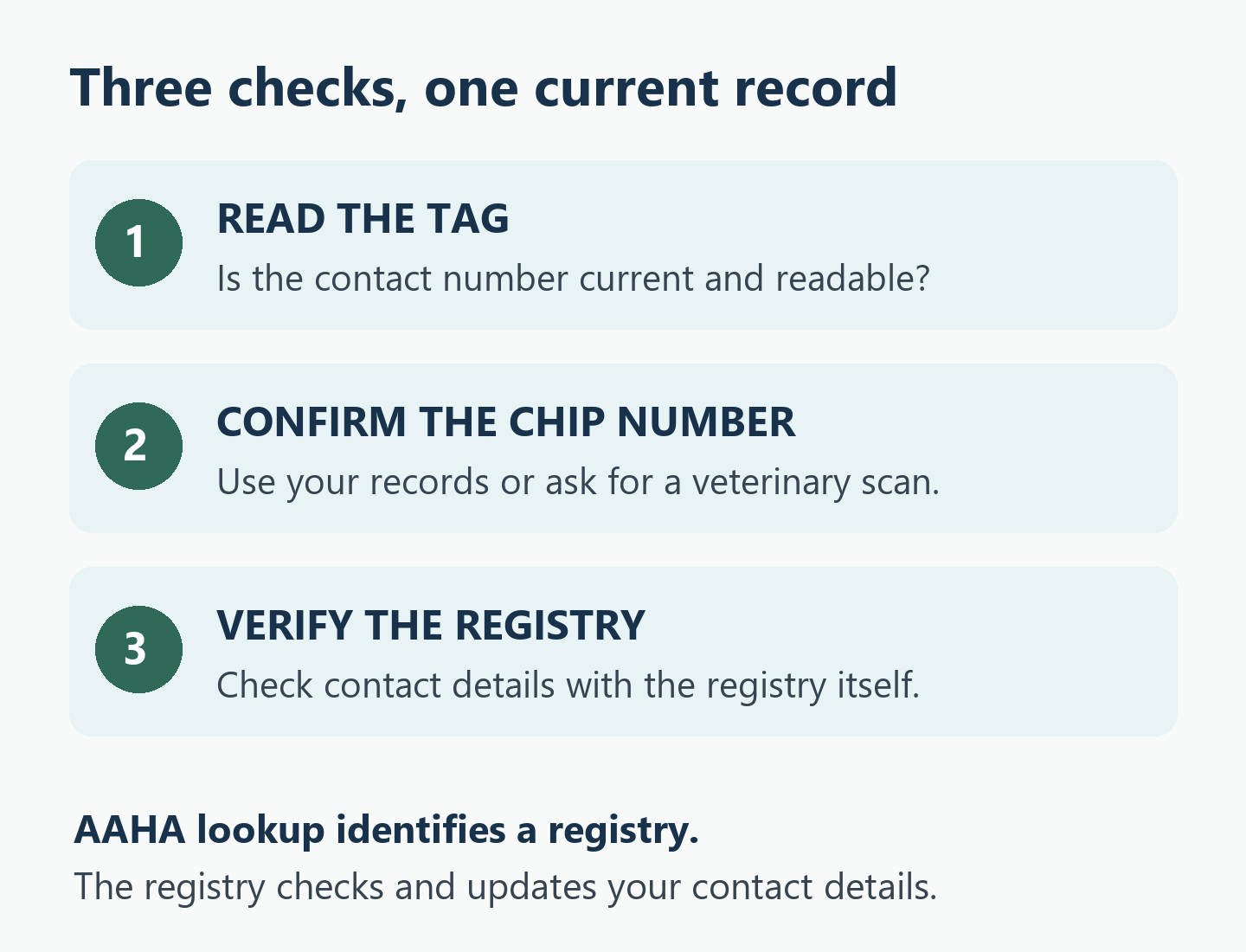
Read the phone number on your dog’s ID tag, find their microchip number, and contact the registry that holds their record. Confirm your details there rather than assuming that a chip listed on veterinary paperwork is fully registered. The CDC recommends current tags and registered microchip information as part of emergency preparation. Both layers matter; neither guarantees a reunion.
Safety first
Urgent care and safe departure come before paperwork
If your dog has difficulty breathing, is unresponsive, or has a major injury, contact an emergency veterinary hospital immediately. AAHA identifies these as emergency warning signs; this is not a complete triage list. Do not delay care, an evacuation, or your own safe exit to finish a registry update. Follow local officials’ instructions.
Use this as an identification checklist
This guide provides general education, not diagnosis, treatment, legal advice, or instructions for implanting or removing a microchip. Your veterinarian can help with scanning and individual care questions; the registry handles its contact records and account procedures. See our medical disclaimer.
This identification checklist is not a substitute for individualized veterinary or behavior care. If fear, distress, or handling difficulties make checks unsafe, contact your veterinarian or a qualified behavior professional for help. It is not a behavior diagnosis, treatment, or training plan.
Start with the tag your dog is wearing today
Look at the actual tag, rather than the order confirmation or a photograph taken when it was new. Can you read the whole contact number, including the area code? Is it a number you still use? Check that the tag is present and its attachment is intact. A worn engraving or an old phone number is a specific task to fix before an alert.
Ask another household member to read the number aloud while you compare it with your current details. If you include a backup number, ask that person whether they are willing and able to help. Keep the information readable rather than trying to fit your dog’s whole care history onto a small tag.
AAHA recommends collar identification with current owner contact information alongside microchipping. For questions about the collar itself, use our collar, harness, and leash fit guide. Stop handling the equipment if your dog is distressed or painful; ask your veterinary team for help instead of forcing the check.
Find the chip number and make sure it belongs to this dog
Gather the microchip certificate, adoption paperwork, or veterinary record you already have. With several dogs, work on one record at a time. Match the dog’s name and identifying details before copying the chip number. Label the number clearly so it cannot be confused with an account number or a clinic’s patient ID.
If you cannot find it, contact your veterinary practice and ask whether they have the number recorded or can arrange a scan. Tell them if the records disagree or you are unsure whether your dog was chipped. Do not guess a missing digit, assume a new chip is needed, or try to check for one by pressing around under the skin.
Scanning and registration answer different questions. A scan can reveal an identification number; it does not establish that the registry has your current phone number. AAHA encourages an annual scan to check chip function and location. Ask about that at a routine appointment, while keeping the separate registry check on your own list.
Use AAHA’s lookup to find whom to contact
The AAHA Microchip Registry Lookup helps identify participating companies associated with a chip number. Follow the tool’s instructions for entering the number without spaces or punctuation. Save the company names and contact routes it returns.
The lookup does not display your private owner details, register the chip, or update a registry account. Reaching a result page is therefore an intermediate step. You still need to contact the relevant company and check the actual record. AAHA does not maintain those individual registry accounts.
If several companies appear, follow the lookup’s guidance and contact them as needed. If the result points only to a manufacturer, or you cannot resolve the number, ask the registry and your veterinary practice for help. A confusing result is a reason to investigate; it is not enough to conclude that your dog has no chip or that their registration is current.
Check the details inside the registry record
Use the company’s verified website or contact information to reach its account or support service. Check which dog and chip number the record covers, then review your phone number, email, address, and any available backup-contact fields. Update the information through that registry’s process.
Keep a short confirmation note: company contacted, date checked, details corrected, and anything still unresolved. If an update is waiting for a transfer or another step, mark it pending. Being able to sign in is useful, but it is the recorded contact information that you are checking.
For an adopted dog, a folder saying “microchipped” may still leave a registration transfer to complete. AAHA’s microchipping FAQ advises updating the registry when adopting a chipped pet. Ask the adoption organization and registry what their process requires. Do not treat a lookup result as a legal ownership decision.
If an old company is no longer operating, ask your veterinarian and an active registry about the next step for the existing number. AAHA’s lookup page carries notices about registry changes. Avoid choosing a service solely because a search advertisement appears above the registry you meant to contact.
Owner tool
Keep one dated identification check sheet
Copy these fields into a private paper or digital record. Use “confirmed,” “needs correction,” or “waiting for help” so another caregiver can see what remains. This is an organization aid, not an official registry form.
| Check | Record privately | What counts as checked |
|---|---|---|
| Visible tag | Current contact number; backup if used | Actual tag read and attachment inspected |
| Chip number | Number and record it came from | Matched to the correct dog; discrepancies followed up |
| Registry | Company name and verified contact route | Relevant company identified and contacted |
| Contact record | Date checked; changes confirmed | Details verified with the registry, not only the lookup |
| Unfinished task | Next action and person responsible | Pending items remain clearly marked |
For example, “chip found in adoption folder; registry transfer pending” is more useful than a tick beside “microchipped.” It tells you which part is established and which part still needs attention.
Make the information usable away from home
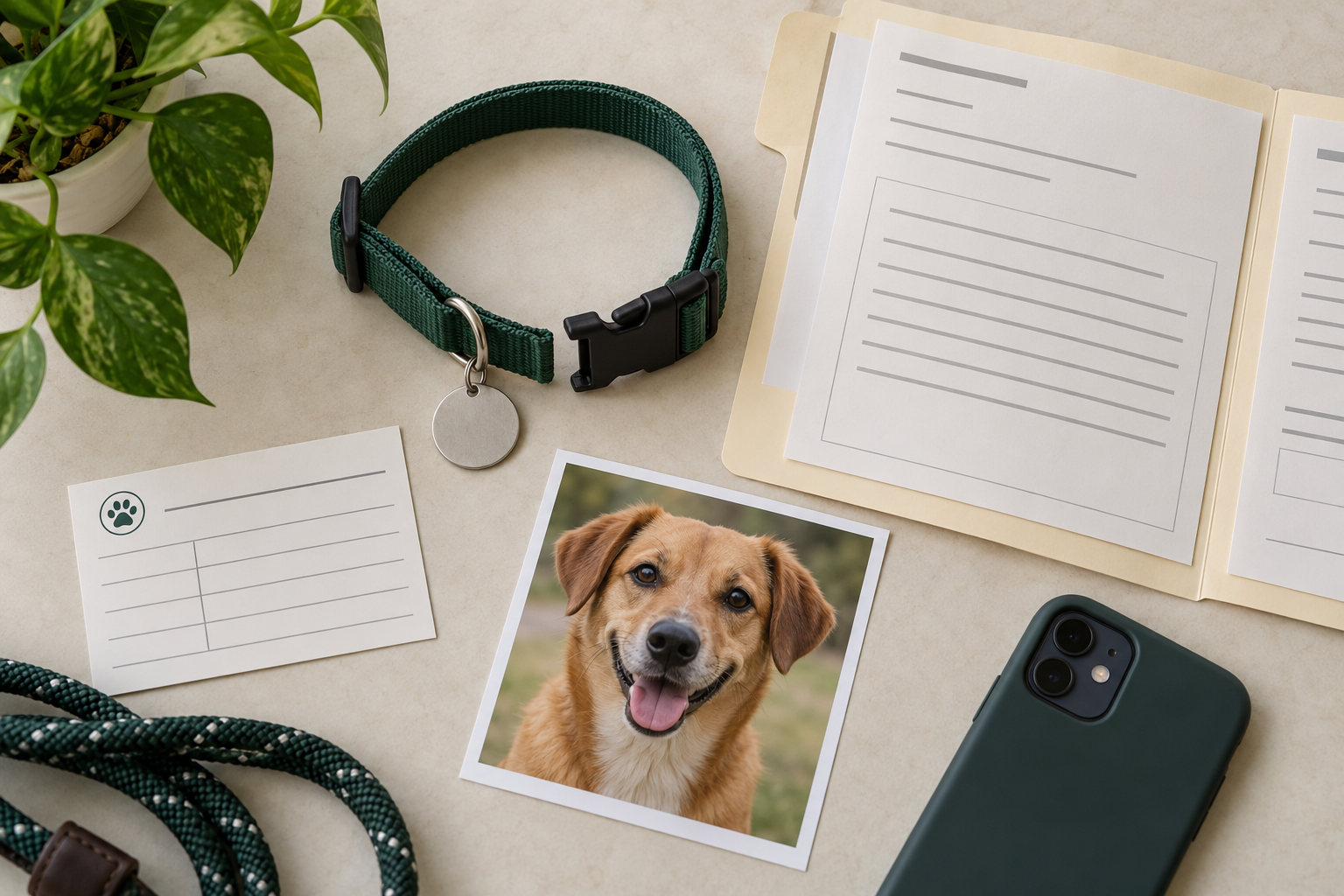
The CDC’s disaster-kit guidance includes microchip information, registration records, recent pet photographs, and contact details in a waterproof document container. Keep those identification basics with your dog’s evacuation go bag. A digital backup can help, but consider what a caregiver could use if your phone were unavailable.
Revisit the check after a move, changed number, adoption, or change of caregiver. Set a reminder that fits your household; this is a practical habit, not a medically established checking interval. Keep passwords and account-recovery information separate from copies you share more widely.
Better questions, calmer next steps
Bring unresolved chip questions to your veterinary team
- Do our records show the same chip number as the scan?
- When should we arrange the routine chip check?
- Can you help us identify the company to contact if the paperwork is missing?
- Does my dog’s health or handling sensitivity change how we should prepare for a visit?
Take your existing paperwork and describe the specific gap. Keep registry updates on the follow-up list even after the clinical question is resolved.
FAQ
Can a microchip show my dog’s location on my phone?
No. A pet microchip is an identification device, not a GPS tracker. It provides a number when scanned; the associated registry maintains contact information. Do not wait for a microchip app to locate a missing dog.
Does a rabies tag replace a personalized contact tag?
For this check, look for readable, current owner contact information. Do not assume that a vaccination tag or its identification number gives a finder the same contact route. Ask your veterinarian about required identification for your circumstances; this guide does not establish local licensing rules.
Should I post my full chip record on social media?
Keep the verification sheet, account information, and private contact records in your controlled care folder. Share only what is needed with a trusted caregiver or the organization helping you. This preparation task does not require publishing registry screenshots.
Sources and review status
- CDC: Pet Safety in Emergencies — current tags and registered chip contacts.
- AAHA: Animal identification and microchipping — paired identification and routine scanning.
- AAHA: Microchip Registry Lookup — lookup limits and registry follow-up.
- AAHA: Pet microchipping FAQs — chip function and updating registration.
- CDC: Pet Disaster Preparedness Kit — portable identification documents.
- AAHA: Is This a Pet Emergency? — urgent veterinary warning signs.
Sources checked October 21, 2026. Not yet medically reviewed.
Start with the tag your dog is wearing, then write down the next unfinished check. A clear record helps you follow through before you need it.
